
Dock your reference
Keep your 3D subject docked beside the canvas, always in view.
A full drawing app, a 3D reference that shares your perspective, and drills that score every line and box. On iPad and iPhone.
Brushes, layers and editing tools are free. Pick from a library of brushes organised by category, and make them your own.
Pose a 3D model, light it, and draw from it without leaving the app.
Keep your 3D subject docked beside the canvas, always in view.
The reference and canvas share one perspective grid, so your guides stay in sync.
Move the light and see the form differently.
Short, scored exercises for line control, boxes and cubes, with guidance built in.
Plan each stroke. Commit. Learn from the feedback. Line Control drills give your drawings clarity and confidence.
Explore form, depth, proportion and perspective. Infinite box variations, with a new angle each time.
Browse the Line Control and Boxes drill trees and pick what to practise next.
Guides explain each exercise, with clear steps and practical tips to help you get started.
Boxes can be challenging. Go freehand, or choose support that fits your level: a matching 3D reference, corner guides or line snapping. Training wheels you can switch off.
Get a score for every box, then review your set to see what needs work.
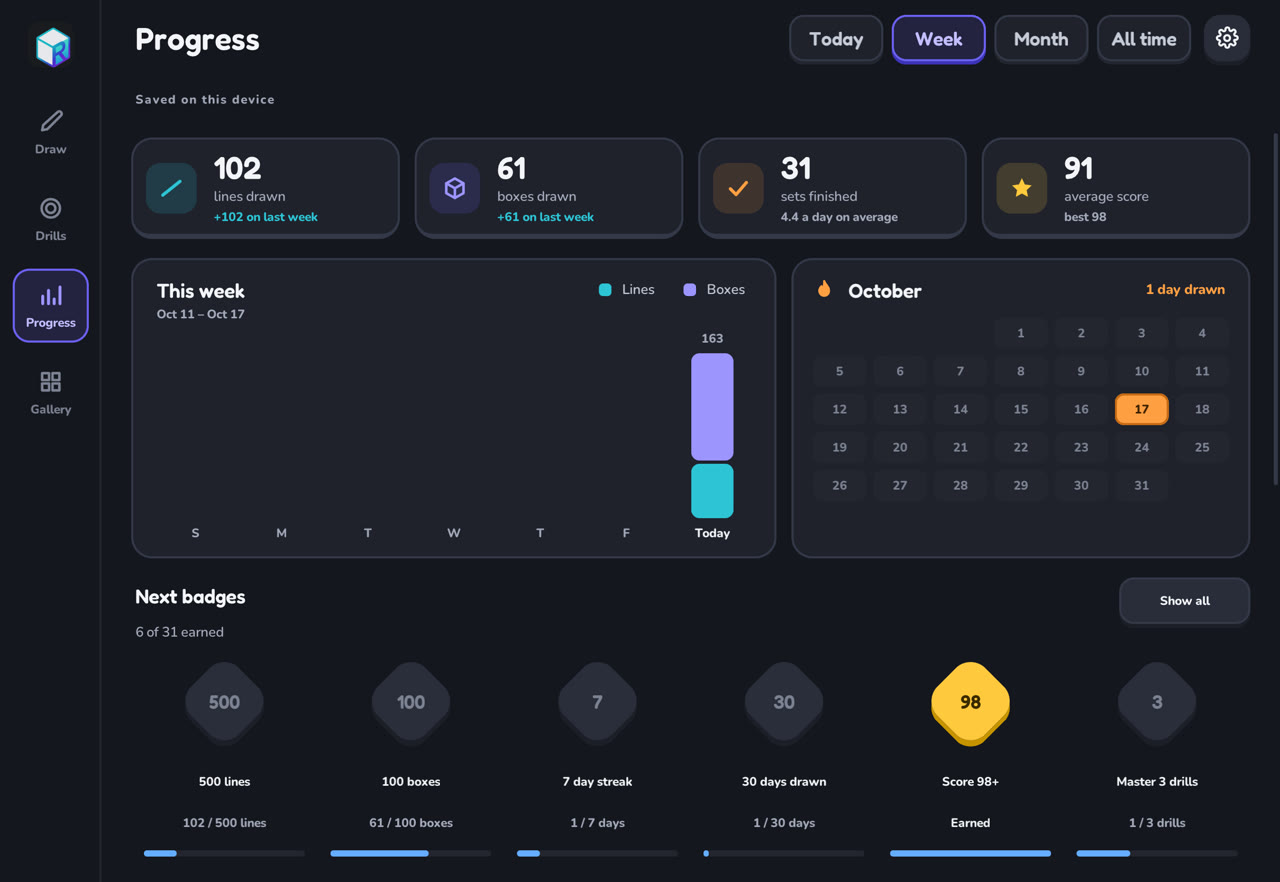
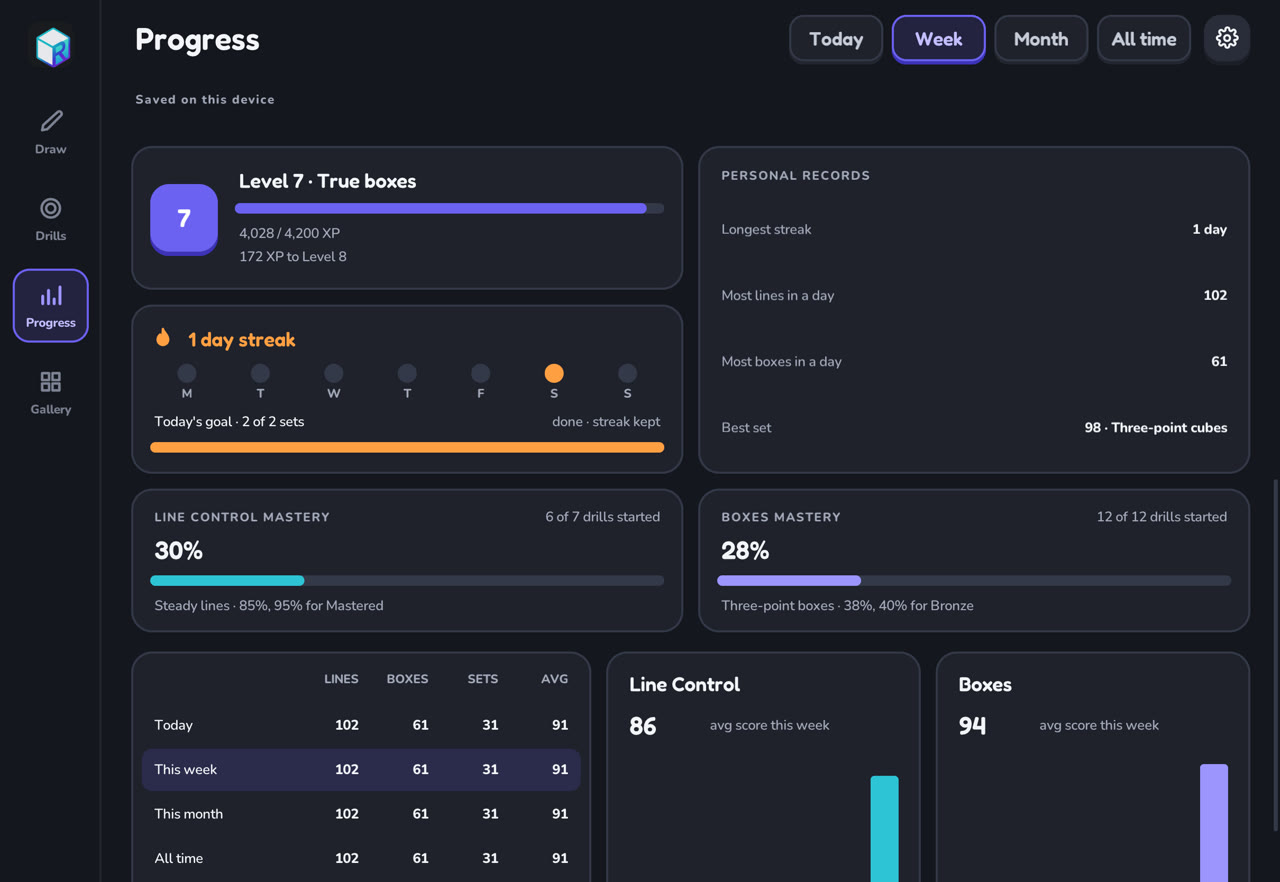
Follow completed sets, scores and mastery. Earn badges, keep your streak and find your next goal. Practice progress syncs between your iPad and iPhone through iCloud.
Free. Brushes, layers and editing.
Free drills.
Two free sets a day on rotating box exercises. The Boxes Pack includes all Boxes and Cubes drills, plus new ones as they arrive.
Head models for your 3D reference. Future Heads models and the upcoming Heads drill are included.
Get notified when we launch on new platforms and receive updates.